How courses work: a guide for learners and teachers
What is inside a course, how to learn from one, how progress and certificates work, and how a teacher builds and shares one. A walk through a demo course.

17 October 2026 · 4 min read · All posts by StemPy Lab
A course is the main way to learn on StemPy Lab. It is a short, ordered set of lessons on one topic, with problems, quizzes, labs and tests next to each lesson. You can take a course alone, or a teacher can give it to a class.
Courses have many small parts, so this guide goes through them, first for learners, then for teachers.
What is inside a course
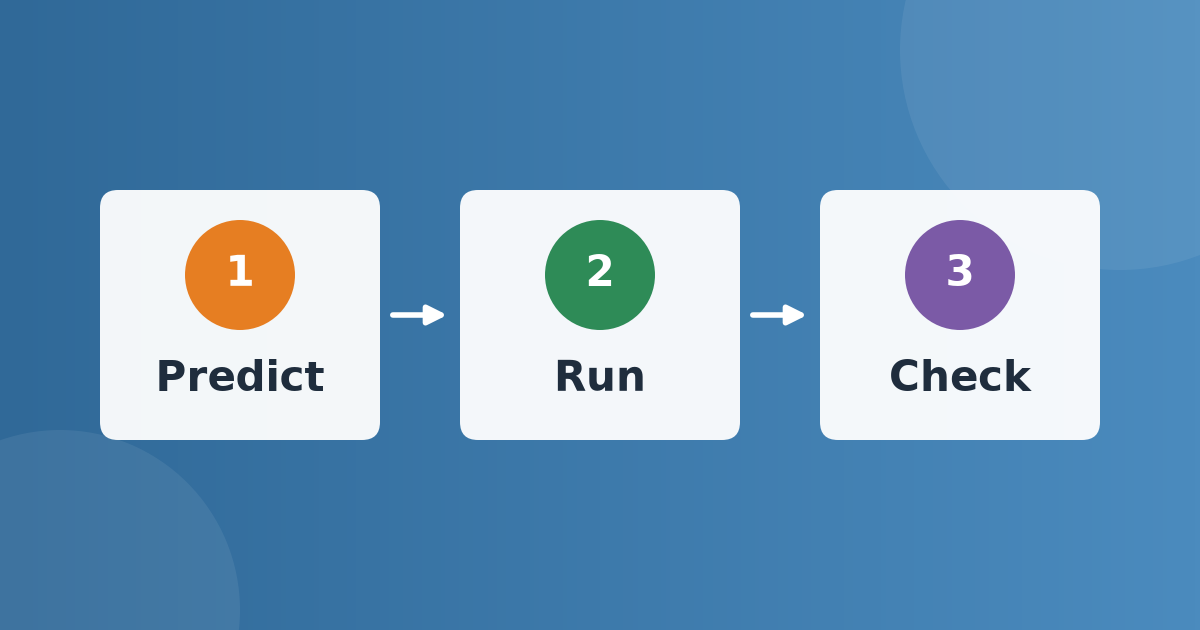
- Lessons. Each lesson (we also call it a concept) has a clear explanation, usually with a Python box where you predict, run and check. You read it, try it and then practise.
- Problems, quizzes and labs. Linked to each lesson, so you practise an idea right after you learn it. Problems have step by step solutions. Labs are small Python programs that you can run and change.
- Test Your Learning. A question set, which tells you whether the lessons made sense, and a timed mock test for the whole course.
For learners
Enrol
Open a course and press Enroll. Free courses open at once, with no payment. You can see the whole list of lessons before you enroll.
Go lesson by lesson
Lessons are in order. Open the first one, read the explanation, run the code and try the Your turn task. Then do the problems and the quiz of that lesson.
Know what you finished
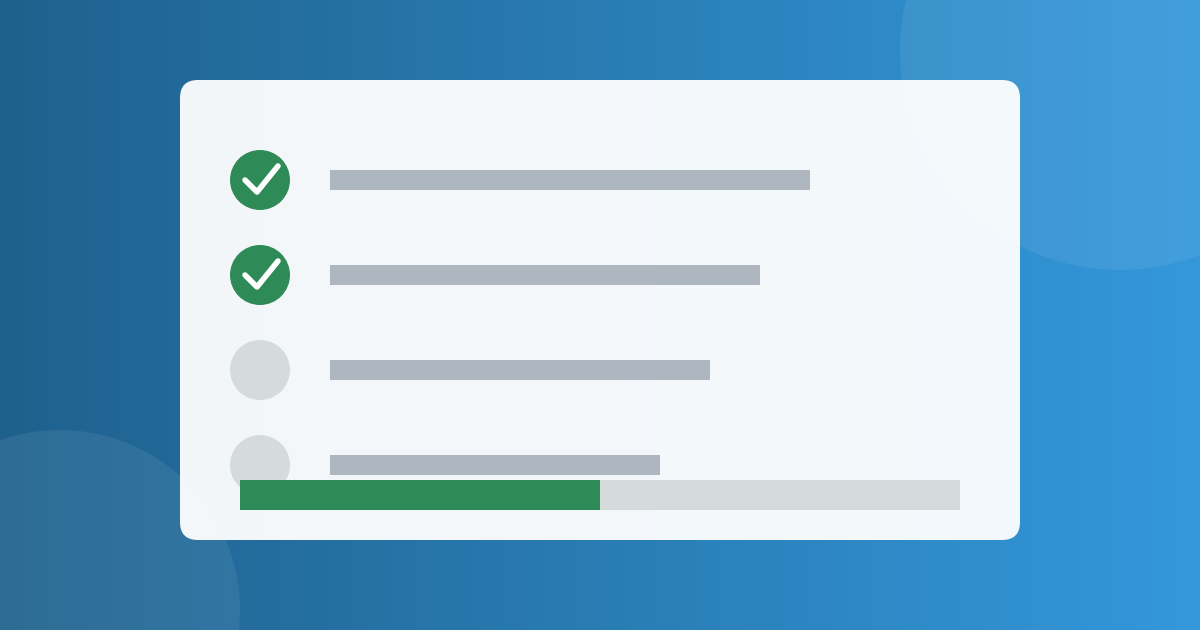
- On a problem, press I Understood This when you really did. It counts in your progress.
- On a quiz, you answer the questions and see your result.
- On a lab, you run the program. You can also save a run to your own list.
- You can also Save for later any item.
When you have done the whole course, press Mark Course Complete.
Test yourself
At the bottom, Test Your Learning has a question set and a timed mock test. Do the question set first, to check that you understood. Do the mock test when you feel ready, in the style of an exam.
From courses to a certificate
Courses are grouped into Learning Paths: a path is one chapter of a book, made of a few courses in order.
When you finish and mark all the courses of an official path as complete, you get a certificate of completion. Paths made by students are marked Community, and work in the same way, but they do not give a certificate.
You can also build your own private playlist from the courses you like, with the + Playlist button.
Free, Standard and Premium
Most courses are free. Some courses are marked Standard or Premium: extra reading, harder problems or olympiad practice. They show a lock in the lists, so you always know that they exist, and the first lesson of every paid course is free to read. The free course of a chapter is always complete without them.
Rate it
When you have used a course, you can rate it and leave a comment, with your name or without it. The author reads it and improves the course.
For teachers and authors
Create a course
Open Courses and press the button to create one. Give it a title, a short description, the subject, the level and the topic. A new course starts as a draft: only you can see it.
Add lessons
Add lessons one by one. Write the explanation in plain words. You can use headings, lists, tables and mathematics, add pictures, and put in a runnable Python box: a block of code starts with three backticks and the word python. Students can run it on the page. You can also add a simulation from PhET, Desmos or GeoGebra.
Link practice
Under each lesson, link the problems, quizzes and labs that belong to it. They can be your own or other public items. Add a question set and a mock test at the course level, under Test Your Learning.
Publish and share
- Publish the course when it is ready. Choose whether it is public.
- Invite another teacher as a collaborator, to build it together.
- Press Assign to class to give it to your class. Students are enrolled, and you see their progress. A teacher can also assign another teacher's course if it is published, public and free, and the author is told.
- Press Share to group to share it with a study group.
Hear from your learners
Ratings and comments come to My Feedback. Only you can see them, and anonymous feedback never shows who wrote it.
Changing or removing a course
You can edit a published course at any time. A published course is not deleted with one click: you press Request deletion, and an admin reviews it. A draft that was never published can be deleted at once.
If you would like to write a course and need help, please write to us on the Contact page.
Discussion (0)
Log in to join the discussion.
Loading…
How to hold a mock test: a step-by-step guide for teachers
Get your questions ready, build a paper marked like the real exam, choose how it starts, run it, read the report and give certificates. Then take the same paper to students beyond your class with an open exam. A walk through a demo class test.
Mock testsTeachersGuides